Skip to content

Dragon Ball Z Budokai HD Collection

Title IDs:4E4D0856
Latest activity Aug 22, 20261 total reports

Public compatibility status tracks the latest official release only. Preview, self-built, and local builds that do not match that release stay in the activity feed so they do not overwrite the release verdict.

Current Release Status

Public status stays conservative and only uses evidence that matches the current published release. Preview, self-built, and non-matching local activity appears below for context.

Latest activity: Aug 22, 2026
iOSLoads

Loads on the release track

Current official release

Latest verified
Aug 22, 2026
Evidence count
1
Build basis
2.0.1-9730
Best observed
Loads on iPhone 15 Pro Max
Lowest observed
Loads on iPhone 15 Pro Max

Current release verdict is based on the current published release. Preview, self-built, and non-matching local activity appears below for context.

Observed on iPhone 15 Pro Max.
Recent Activity

One unified report stream across release, preview, and self-built testing.

LoadsPooriOSRelease MatchIn-App Report
Aug 22, 2026

Included in the current release verdict.

Device
iPhone 15 Pro Max
OS Version
26.0.1
GPU Backend
MSL
Build
2.0.1 (9730) · 57C3CA140

Launch it, crashes in selection!

Open mirrored issue
PlayableGreatiOSGitHub CommentGitHub
Mar 14, 2026

GitHub thread entry retained for context.

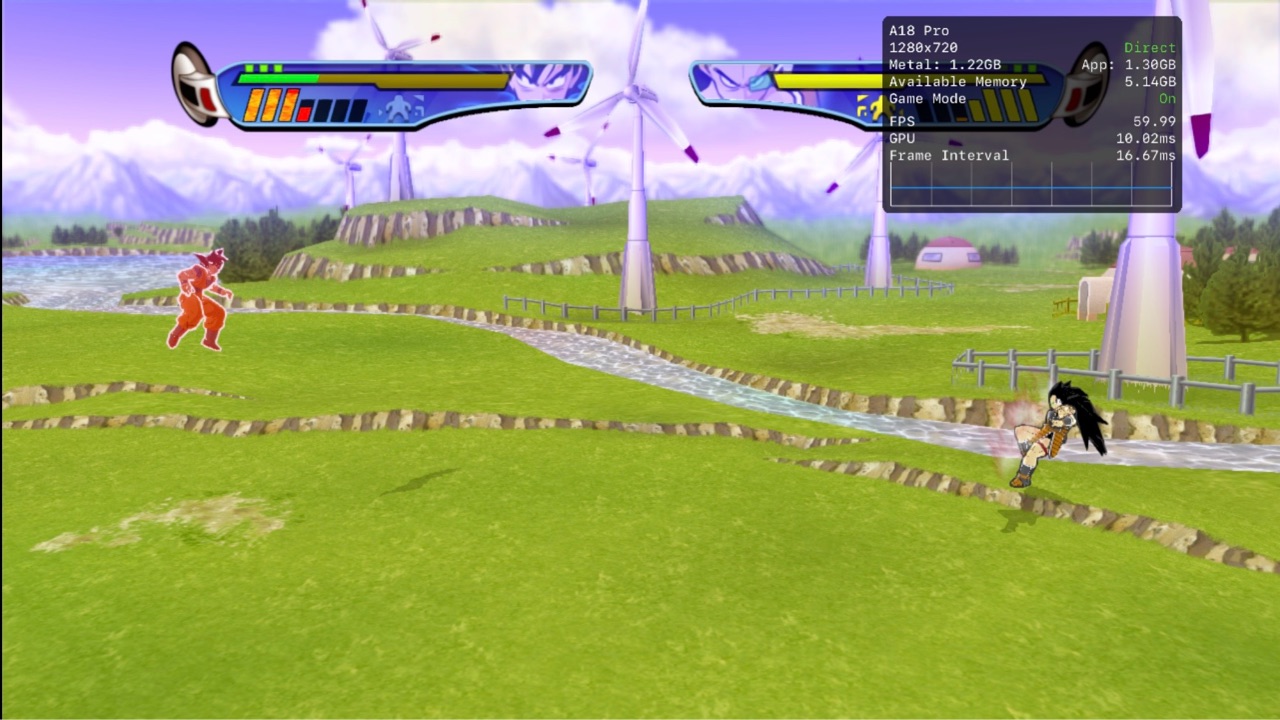
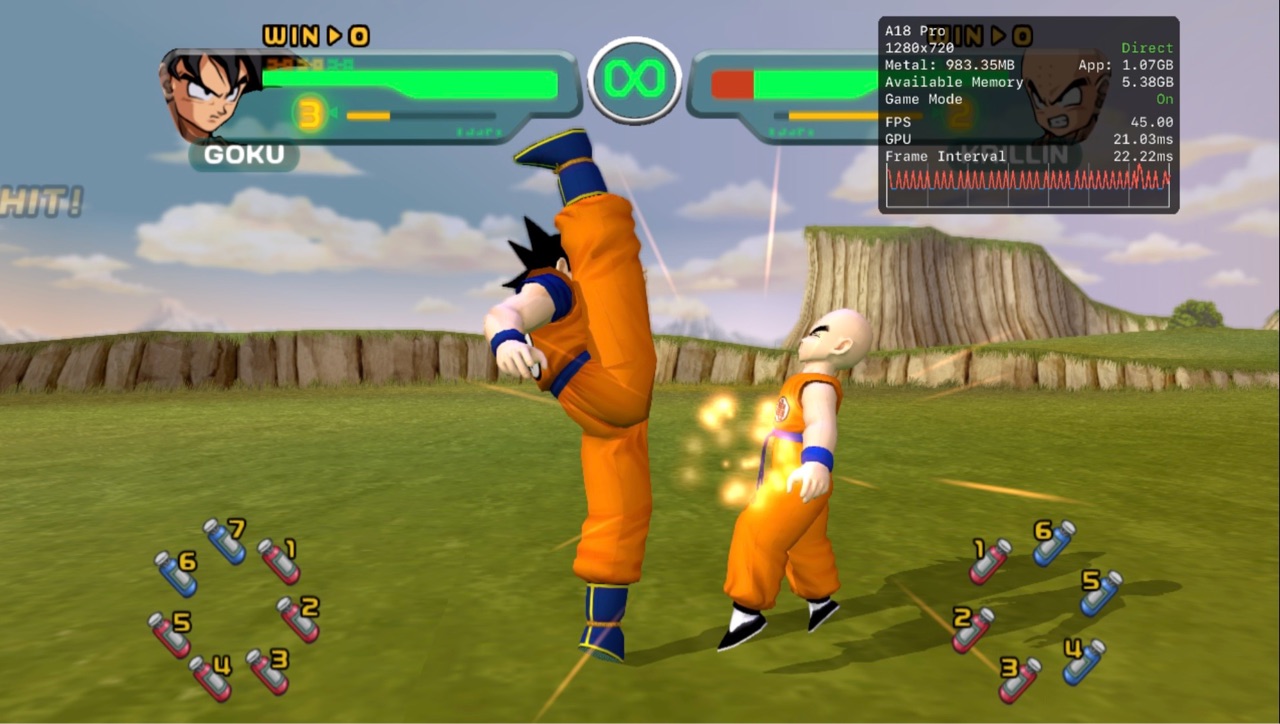
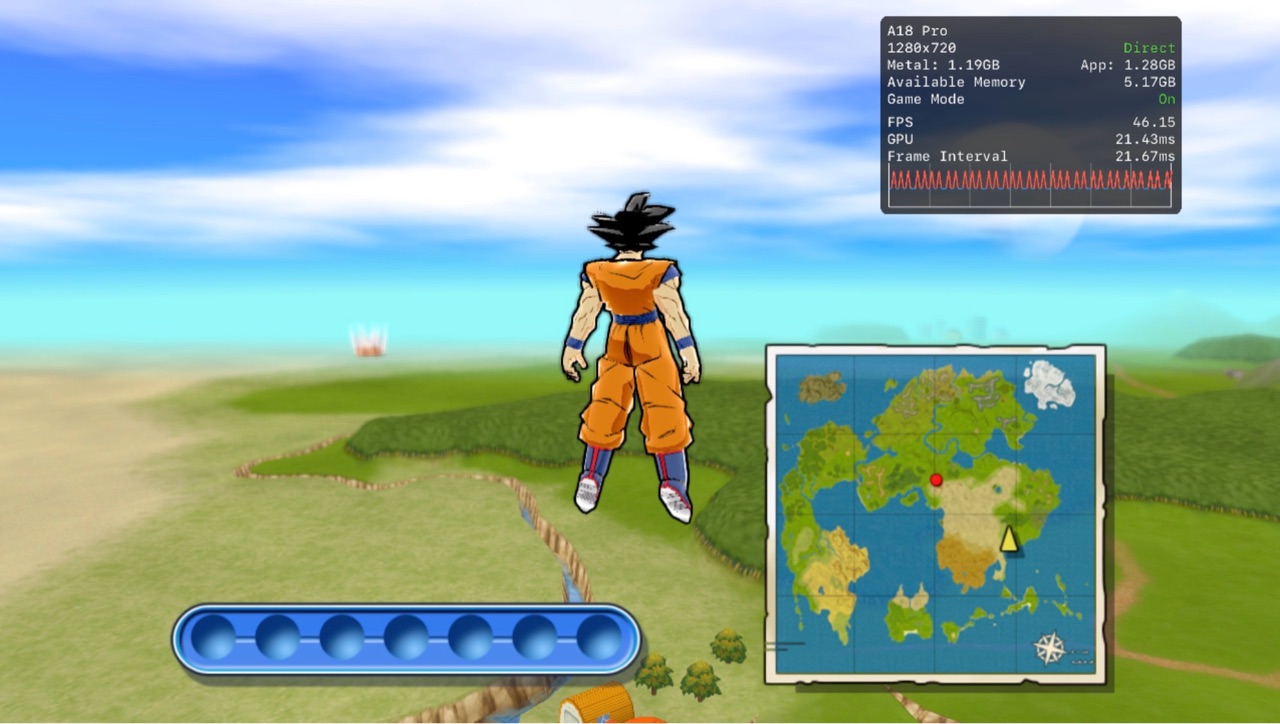
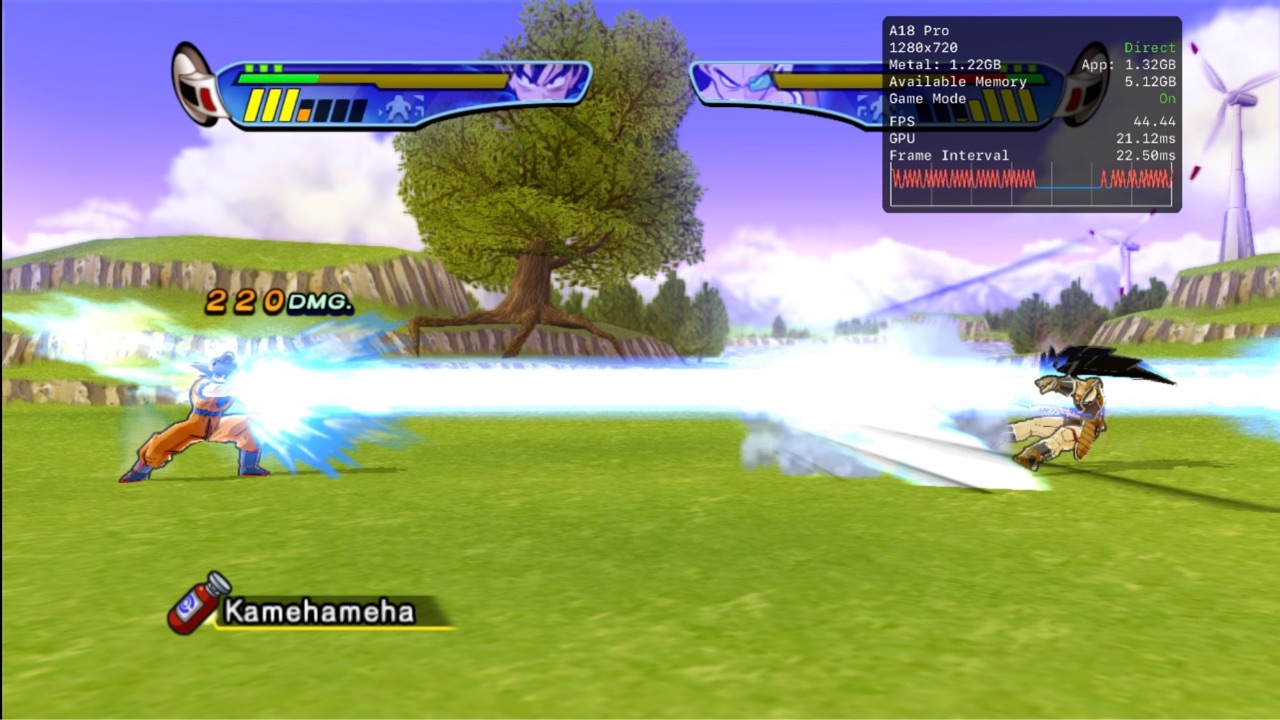
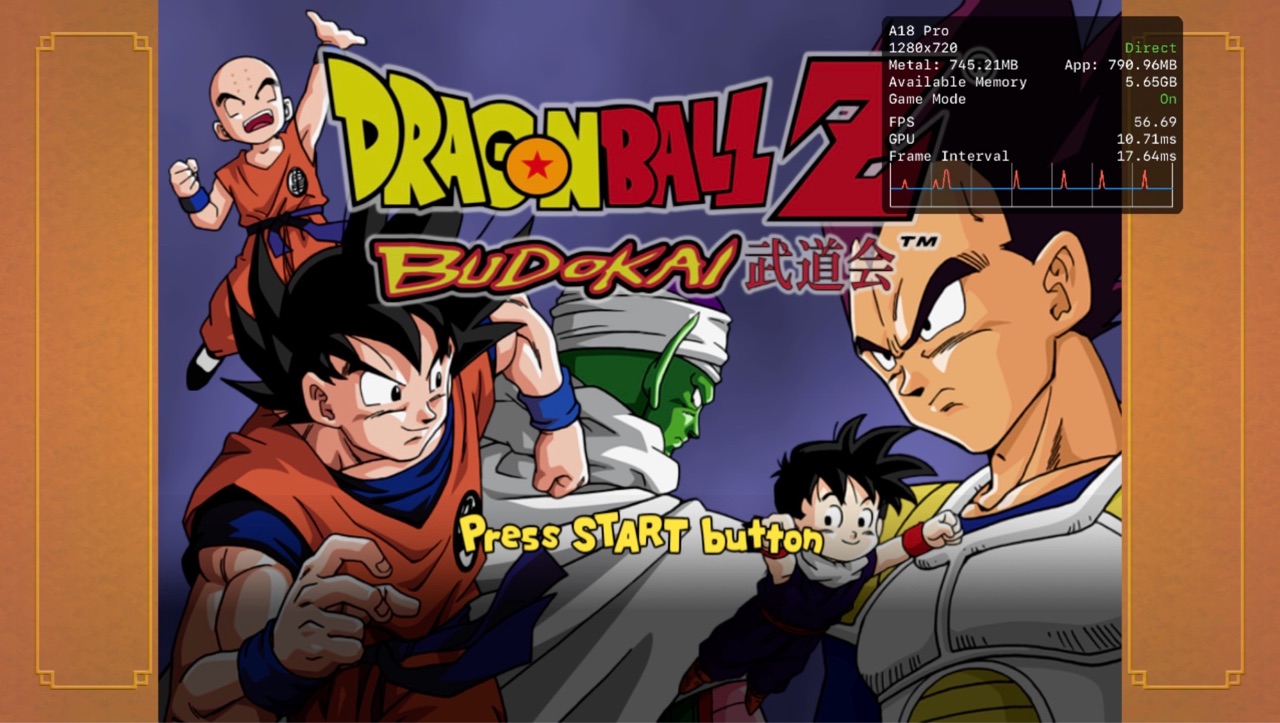
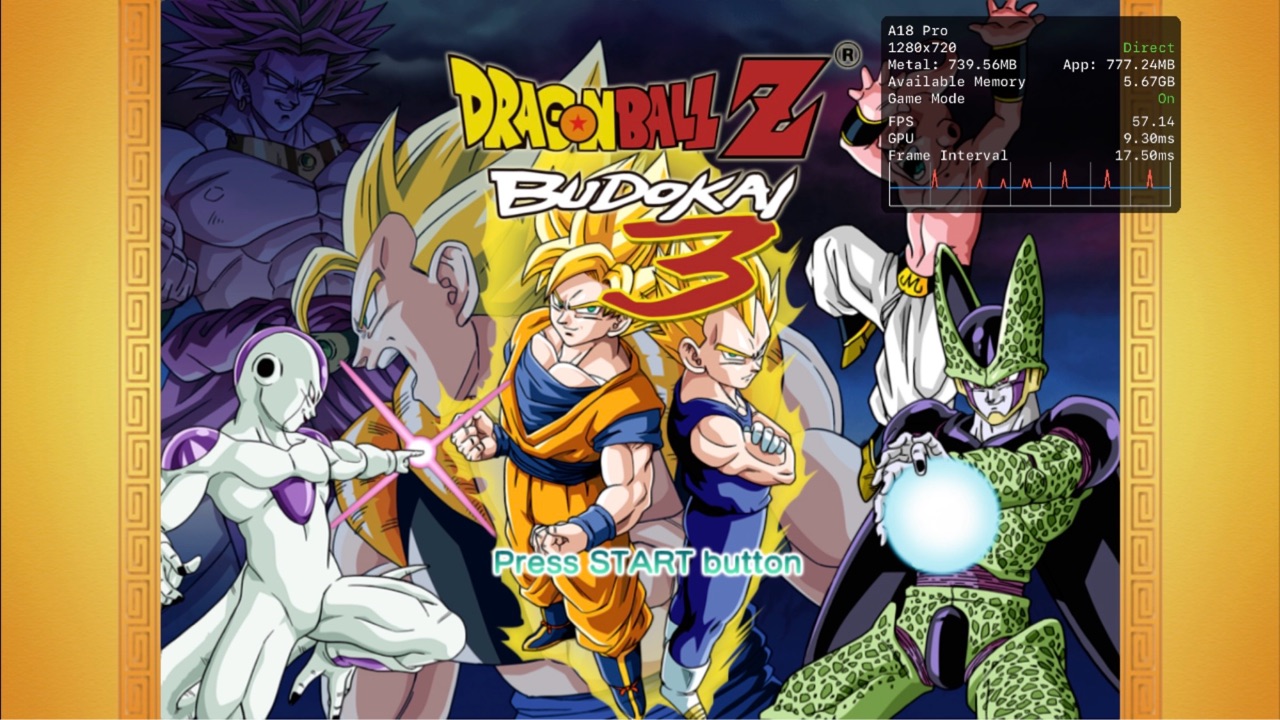
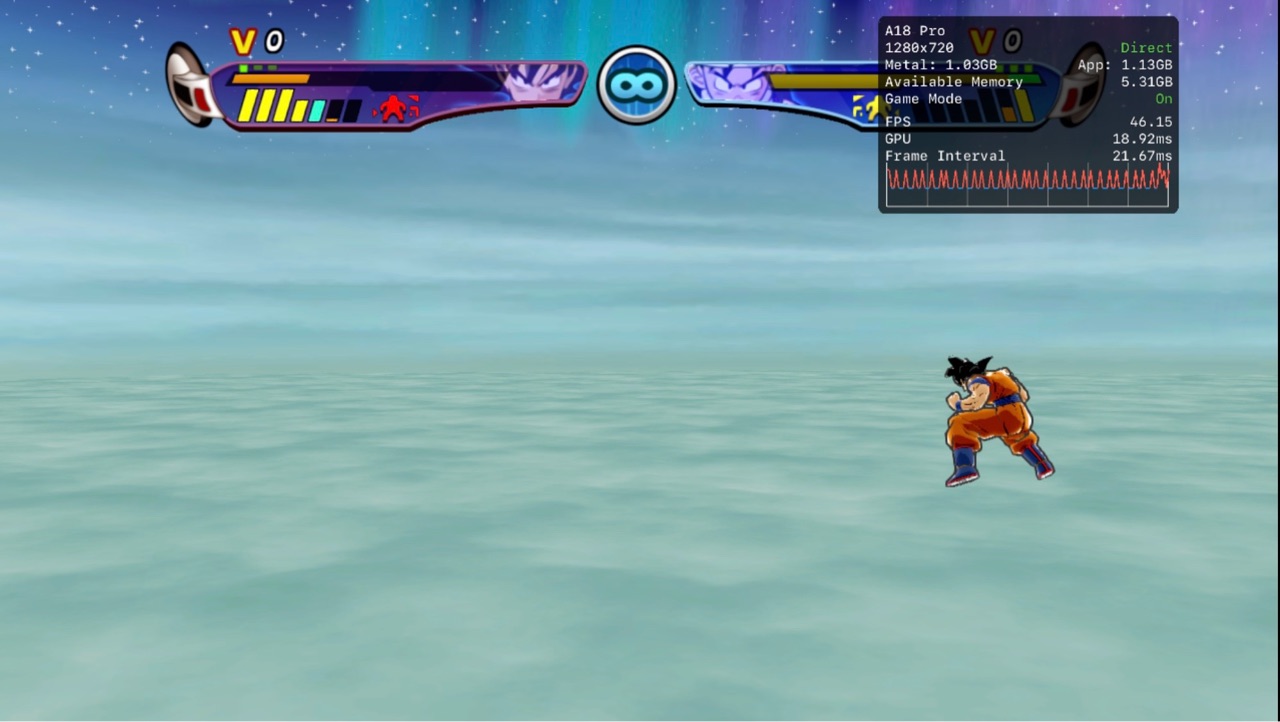
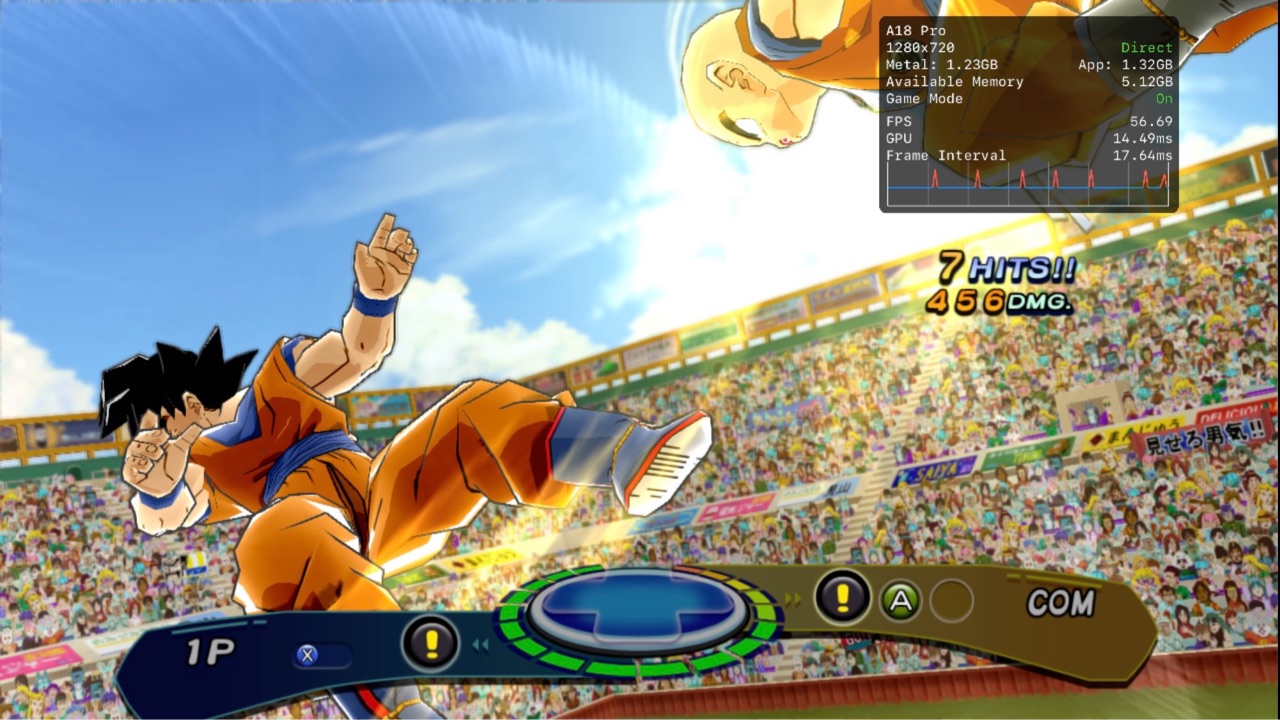
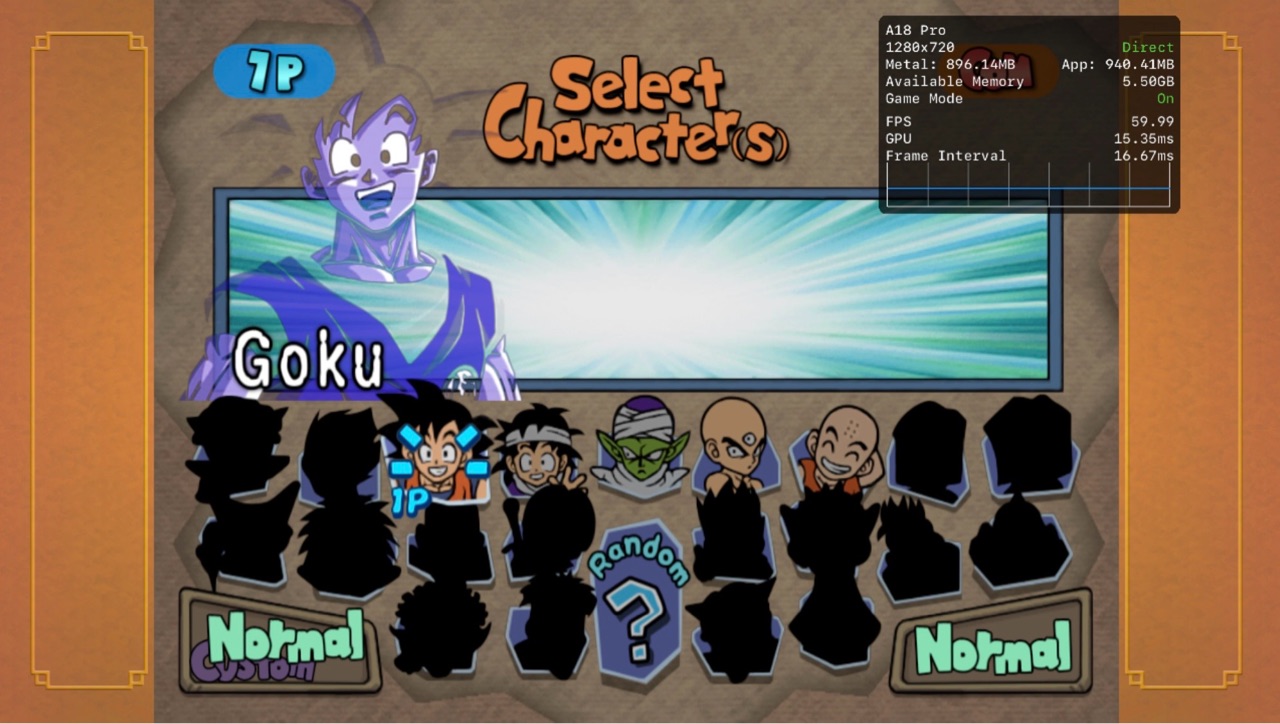
As of the new update, Budokai 3’s Dragon Universe mode no longer shows a black screen. Enemy characters are now visible. Budokai 3 runs great. In Budokai 1, the character select screen still has texture glitches, but the game is no longer a black screen during battles.

Playable · iPhone 16 Pro Max · iOS 26.2 · MSL

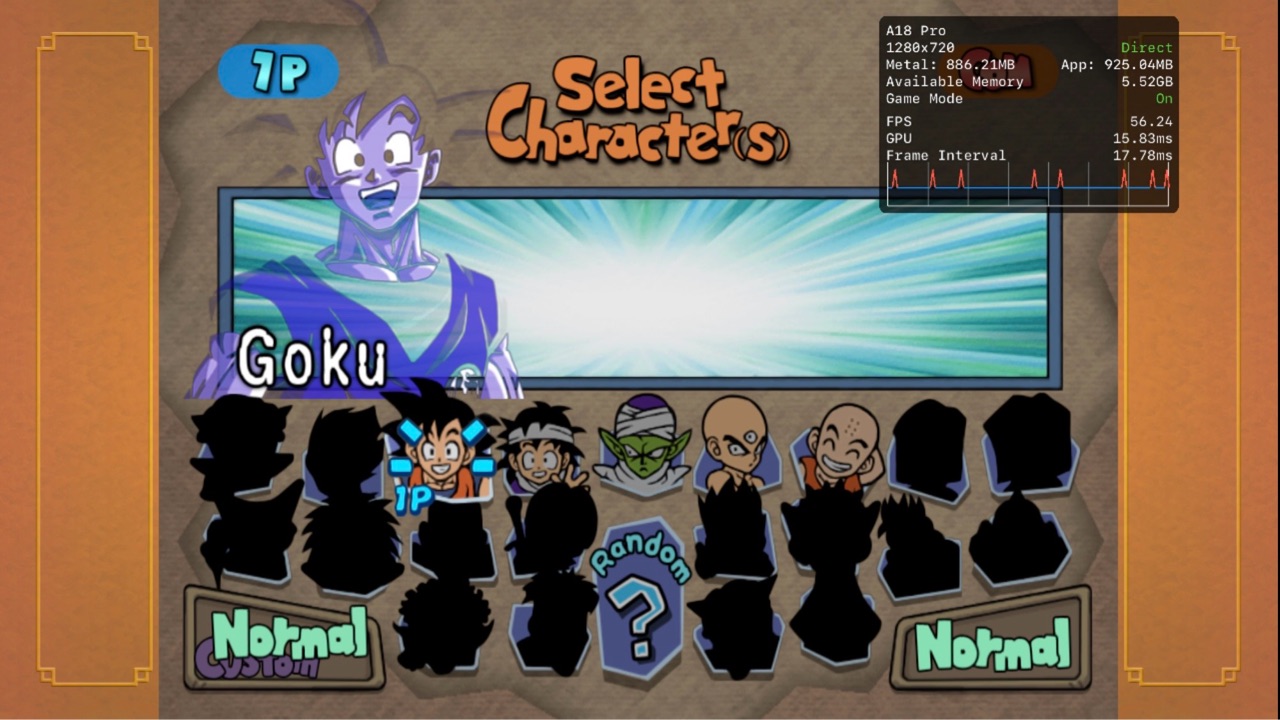
Compatibility image for Dragon Ball Z Budokai HD CollectionCompatibility image for Dragon Ball Z Budokai HD CollectionCompatibility image for Dragon Ball Z Budokai HD CollectionCompatibility image for Dragon Ball Z Budokai HD CollectionCompatibility image for Dragon Ball Z Budokai HD Collection
Open comment
In-GameGreatiOSGitHub CommentGitHub
Mar 11, 2026

GitHub thread entry retained for context.

In my case I had to convert the dumped game’s ISO file using extract-iso. The game itself is a launcher for each .xex file for the individual games. Each game must be manually booted by pressing the + button in XeniOS and selecting the respective folder for each title (DBZ1 for Budokai 1 and DBZ3 for Budokai 3). Both games have good performance. Budokai 1 has more graphical issues than Budokai 3. In the character select screen for Budokai 1, there are graphical glitches with the characters’ artwork. When entering a battle, a black screen appears. For Budokai 3, a black screen appears when entering Dragon Universe mode. During battles, the enemy character is invisible and only appears when using a blast attack (ex. Kamehameha), teleporting, activating Hyper Mode, or triggering Dragon Rush. Overall, both games run very well, with Budokai 3 having fewer issues.

In-Game · iPhone 16 Pro Max · iOS 26.2 · MSL

Compatibility image for Dragon Ball Z Budokai HD CollectionCompatibility image for Dragon Ball Z Budokai HD CollectionCompatibility image for Dragon Ball Z Budokai HD CollectionCompatibility image for Dragon Ball Z Budokai HD CollectionCompatibility image for Dragon Ball Z Budokai HD Collection
Open comment
LoadsPooriOSGitHub IssueGitHub
Mar 11, 2026

GitHub thread entry retained for context.

Loads into game selection and crashes.

Loads · iPad (A16) · iOS 18.3 · MSL

Open issue